
Bring the plugins you already own.
Audizer hosts VST3 and Audio Unit effects and instruments. They sit in the same insert slots as the built-in devices and open in their own windows.
Scanning, when you ask
Open the Plugins tab and press Rescan. Audizer lists the VST3 and Audio Unit plugins on your Mac next to its own, checks each one in a separate process so a plugin that crashes on load can't take the app down, and remembers the result. It doesn't scan at launch.
Loading and using them
Search by name, filter by effects or instruments, and double-click to add a plugin to the selected track. Its window is the one its maker designed. The plugin's settings are saved with the session.
The assistant can reach them
A hosted plugin's parameters are listed in Audizer's inspector by name. That's how the assistant reads and sets them, so "back the compressor off a bit" works on the compressor you bought as well as the one that ships.
Instruments
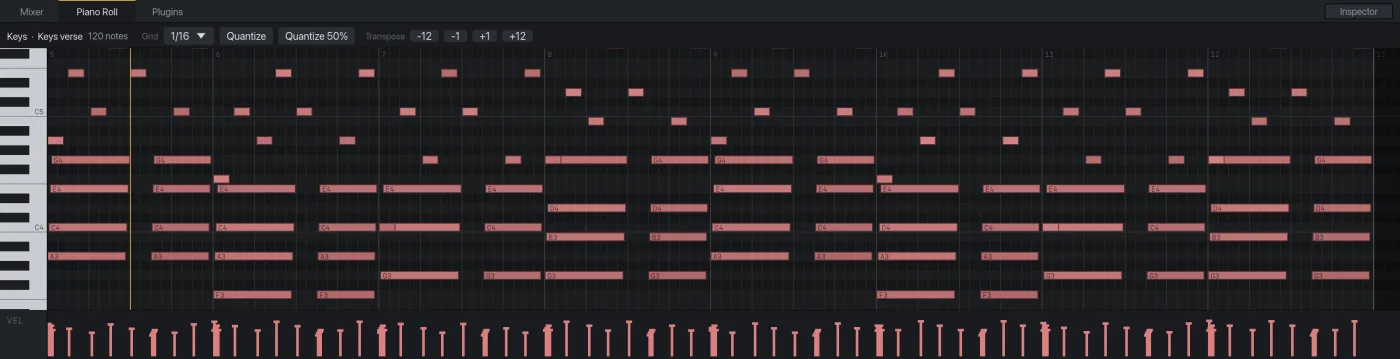
Put any VST3 or Audio Unit instrument on an instrument track and play it from a MIDI keyboard or the piano roll. The built-in synth is the default, so a new instrument track is never silent.
Not here yet
No plugin delay compensation, so a plugin that reports latency plays that much late against the other tracks. No multi-output instruments.
Try it on your own session.Audizer is a free download for Apple Silicon Macs.
Download for Mac Free · Apple Silicon